May 26, 2026
KaKeKiKoKu Studio 1.5: writing with ease, thinking with structure
Establishing a solid writing foundation upon which future knowledge navigation and connections will grow.
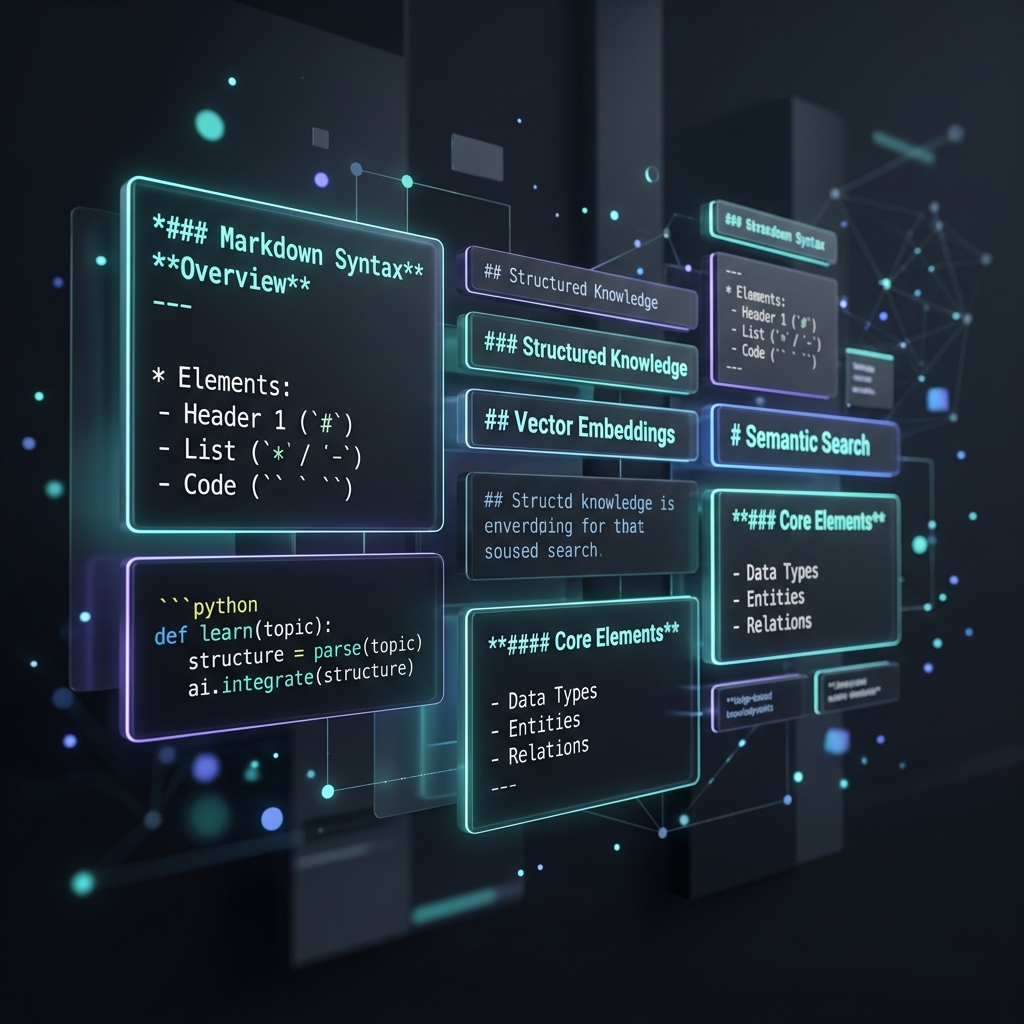
With the release of KaKeKiKoKu Studio 1.5, we have focused on establishing a solid writing foundation upon which the subsequent phases of knowledge navigation and visual connection in our roadmap will grow.
The assisted block editor
Studio is not a free-form document editor or a traditional linear processor. Since its inception, Studio has been intentionally designed to structure information in atomic, self-contained blocks of knowledge (Resource → Section → Subsection). This granularity is not an aesthetic whim: it is the most efficient way to structure context so that artificial intelligence models can read, interpret, and operate on your project without overloading each query with unnecessary tokens.
Version 1.5 brings this philosophy to the block editor. Instead of dissolving content into a single plain text file, we have structured and adapted Markdown to work directly within each editable section. Through a unified toolbar ribbon, applying common formatting like bold, structured lists, formatted code blocks, or links is now agile and immediate.
Respecting the writer's habits: the dual mode
One of the biggest challenges when enriching a writing interface is not destroying user habits. Writing directly in plain text is fast, lightweight, and carries a critical benefit: it preserves your browser's native spellchecker and autocorrect.
To offer the best of both worlds, KaKeKiKoKu Studio 1.5 introduces a hybrid system:
- Text Mode: A pure, fast writing area with the native spellchecker active.
- Markdown Mode: A local interactive engine that assists you visually with quick formatting tools.
You can switch between both modes instantly from the editor's ribbon without losing a single character of your draft, and configure your default double-click preference from the application settings.
Writing without noise
To complement this workflow, the ribbon incorporates two key features:
- Live preview: A quick visual toggle that shows how your final Markdown format will render before saving to disk.
- Integrated fullscreen: Using the
Ctrl+Shift+Fshortcut, the editor expands to cover the entire browser viewport, providing a clean writing environment with the block character counter visible in the top-right corner.
The road ahead (Roadmap 1.6+)
Consolidating writing ergonomics in each knowledge block was the fundamental next step in our development plan. With this mature writing surface, Studio is ready to deploy its operational map: in version 1.7 ("Knowledge Navigator") we will transform the left panel to facilitate the exploration of complex indexes, opening the door to advanced visual relation connections and anchors in versions 1.8 and 1.9.
Update (July 2026): that roadmap grew beyond its planned numbers. The Knowledge Navigator arrived in 1.7 as promised, and the visual relation work shipped with the public jump from 1.7.4 straight to KaKeKiKoKu Studio 1.12.0, which absorbed the whole 1.8–1.11 stretch. The paragraph above is kept as a record.
InstallMicrosoft Store
Quick startSet up KaKeKiKoKu Studio with your AI client
DocumentationUser manual