
Blog
Stories, updates, and insights from building KaKeKiKoKu Studio.
- Ideas
- Tests
- Lessons
- Releases

KaKeKiKoKu Studio looks like text. It isn’t.
The files are plain text. The engine that keeps them current, connected, bounded, and useful is doing far more than storing words.
Read the essay →Latest posts

Checking my work
Studio 1.21 focuses on quality: repeatable checks, a useful report when something fails, and a tree that keeps your place. How the checks found real bugs, and what a successful result does and does not tell you.
Read the post
The tree takes you, the center shows you
KaKeKiKoKu Studio 1.20: read connected knowledge in a consult area without leaving what you’re editing, see exactly what your AI receives when it opens a project, one word for each idea, an up-to-date Learning Lab and up to twenty relations in the same space.
Read the post
I question everything, even how I work
How I run versions with several AIs at once: rules born from mistakes, an architect AI and a builder AI, reviews by another company’s AI, three holes we found in my own process this week, and the question about the product they led to.
Read the post
Lost, with two AIs on board
KaKeKiKoKu Studio 1.19: when knowledge changes, your relations now show what needs a review. How a long conversation with Claude and ChatGPT, and one more doubt, led there. Plus format 1.1, more precise search, a refreshed look and an important fix.
Read the post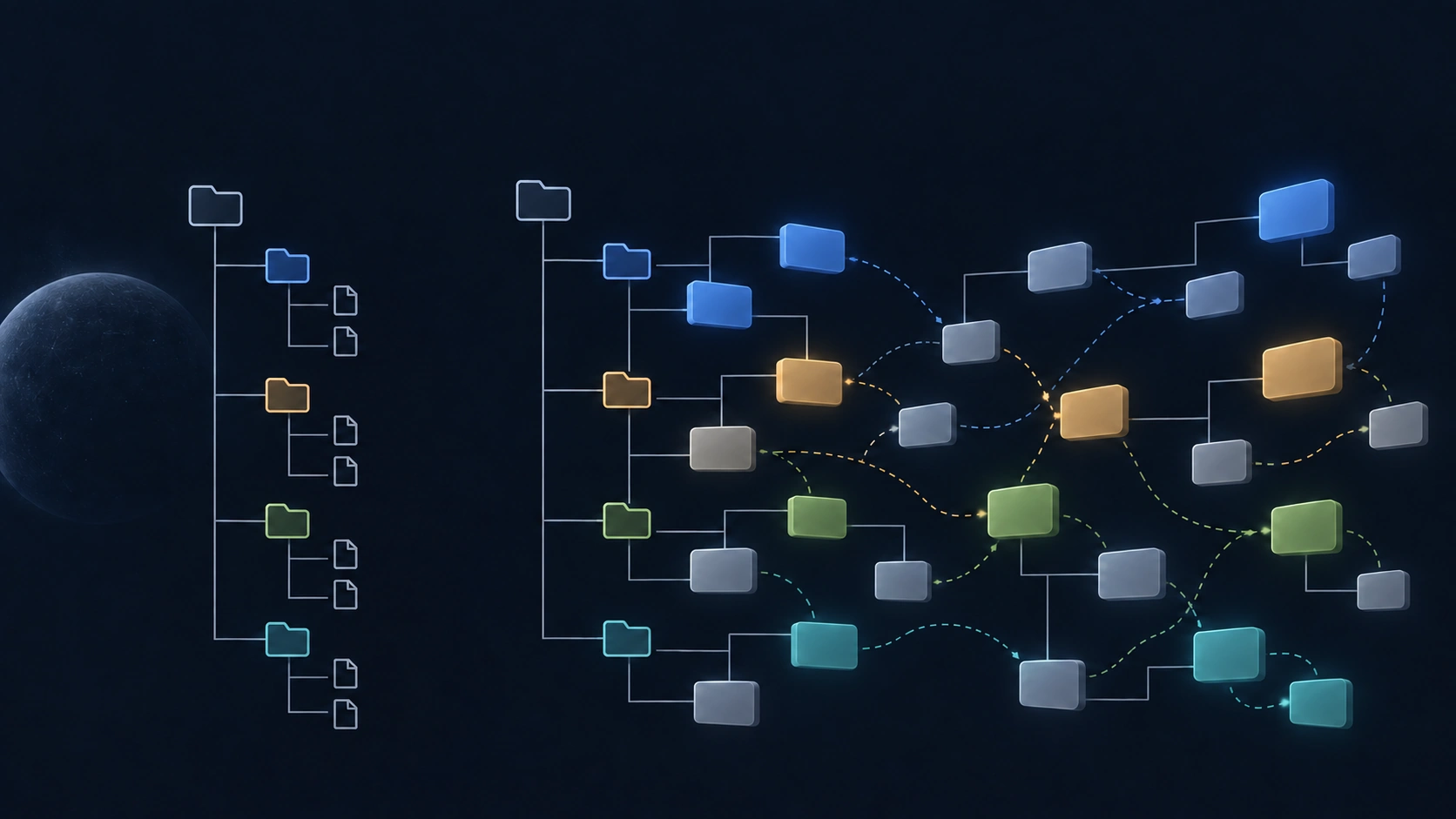
Your project is its knowledge
KaKeKiKoKu Studio 1.18: the navigation tree now shows your project’s knowledge, not only its files. Why the product no longer calls itself a memory layer, a new Extras menu with Blocks, and a fix for your AI.
Read the post
One file to get started
KaKeKiKoKu Studio 1.17: a common instruction file connects your local AI without MCP setup. The same projects, commands, and help, with a simpler first step.
Read the post
KaKeKiKoKu Studio 1.16.0: a new name and a clearer workspace
A new identity, better readability and stability, more complete document reading, and an AI that can query the resource you are viewing. Plus two new ways to reorganise knowledge: convert reserved sections and integrate blocks into another section’s text.
Read the post
Wuniq is growing into Studio
A broader name for software built around meaningful blocks, with an open-ended roadmap for the file format, new integrations, new capabilities, and new kinds of products.
Read the postKaKeKiKoKu Studio 1.15.5: your AI and project knowledge on one screen
Run Studio inside ChatGPT (Codex) or Claude Desktop Code, where you and your AI can see the same knowledge workspace without leaving the conversation.
Read the postKaKeKiKoKu Studio steps outside
No new feature today. Studio is now in the official MCP registry, and this is the start of showing up in the places where software gets discovered.
Read the post
KaKeKiKoKu Studio 1.15: the release you almost can’t see
About a thousand changes, a quarter of the Studio Web app rebuilt, and a second-generation command language for AI — under an interface that still feels like Studio.
Read the post
KaKeKiKoKu Studio 1.14: a graph on a budget
Relationships get budgets, prose gets more room, Studio learns to teach itself with the Learning Lab, and an open project now shows whether your AI can see it.
Read
KaKeKiKoKu Studio 1.12.0: the connected workspace
Relationship arrows, project map mode, knowledge movement, quick file viewers, and full freedom to organize and connect knowledge from the navigation panel.
ReadWhere KaKeKiKoKu Studio is headed
Studio is now in Beta. The plan out loud — and why the next version will be a jump straight to 1.10.
ReadKaKeKiKoKu Studio 1.7.4: from Alpha to Beta
The left panel becomes a real knowledge navigator, the local port can be selected, and Studio takes its first step out of Alpha and into Beta.
ReadKaKeKiKoKu Studio 1.6: a quieter workspace
A sync panel that hides when there is nothing to see, controls always within reach, and a calmer experience across windows.
ReadKaKeKiKoKu Studio is built on bounded blocks
The size caps in Studio are not technical limits. They are the design bet at the heart of the project — and the reason your AI thinks more clearly inside it.
Read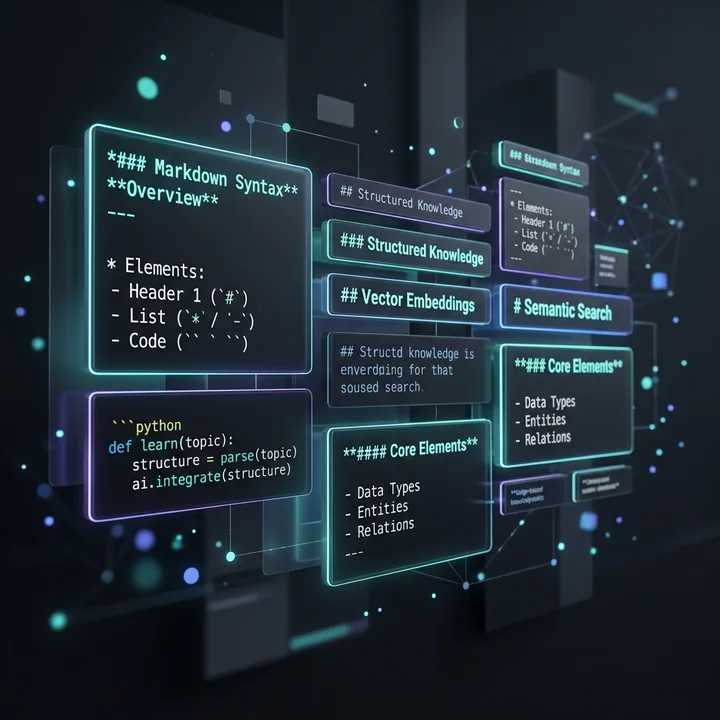
KaKeKiKoKu Studio 1.5: writing with ease, thinking with structure
An update focused on building a solid writing foundation with a new dual-mode Markdown assisted block editor.
Read
KaKeKiKoKu Studio 1.4: images as knowledge
Important images can now carry context, relations, and meaning instead of sitting silently in your project folders.
Read
KaKeKiKoKu Studio for Linux is here
The promised Linux build is now available as an Early Access Snap Store Candidate.
Read
KaKeKiKoKu Studio 1.3: a sharper editor
An update centered on the editor and the small details that change a working day.
Read
KaKeKiKoKu Studio 1.1 and 1.2: quieter, wider, more usable
Two early releases after 1.0: one made Studio easier to live with, the other opened it beyond a single AI client.
Read
Shipping day: KaKeKiKoKu Studio 1.0 is on the Microsoft Store
After a year of failed installers and long conversations with AIs, KaKeKiKoKu Studio 1.0 is finally downloadable.
Read
KaKeKiKoKu Studio: one year building a tool that should not exist
How KaKeKiKoKu Studio was born from failure, stubbornness, and the certainty that something fundamental was missing.
Read